
I don’t know what this is going to be.
Those were the first lines of my one-off, hot mic, press record and go experiment with podcasting via Substack that you can click the ▶️ button above to hear, and I feel the same sentiment now in wondering how much I am or am not “supposed” to write about the ‘episode’ here.
I wanted to get a feel for whether or not I like this, and right now, I can say that I do! Okay, maybe not enthusastically enough for that ‘!’ to really be deserved, but it was fun enough for me to tell you:
why I’m trying this
what I’ve tried in the past
how I’ll determine if I want to do it more
Listen if you want, or don’t. I’m not going to convince you otherwise—you already made a judgement if you wanted to by clicking on this page before your eyes (or ears) made it to this sentence. I’ve made what I’ve made, so now it’s your turn.
Additional things I’ve noticed in creating this
If your Substack starts with the assumption that each new post you make is for paid audiences only, the podcast settings will require you to add a ‘second’ audio file as a ‘free version’ → but you can just download your originally recorded audio and re-upload it for a free version no different than the ‘paid’ one.
If you change your post settings to Free, then it disables this ‘free version’ tickbox from being needed.
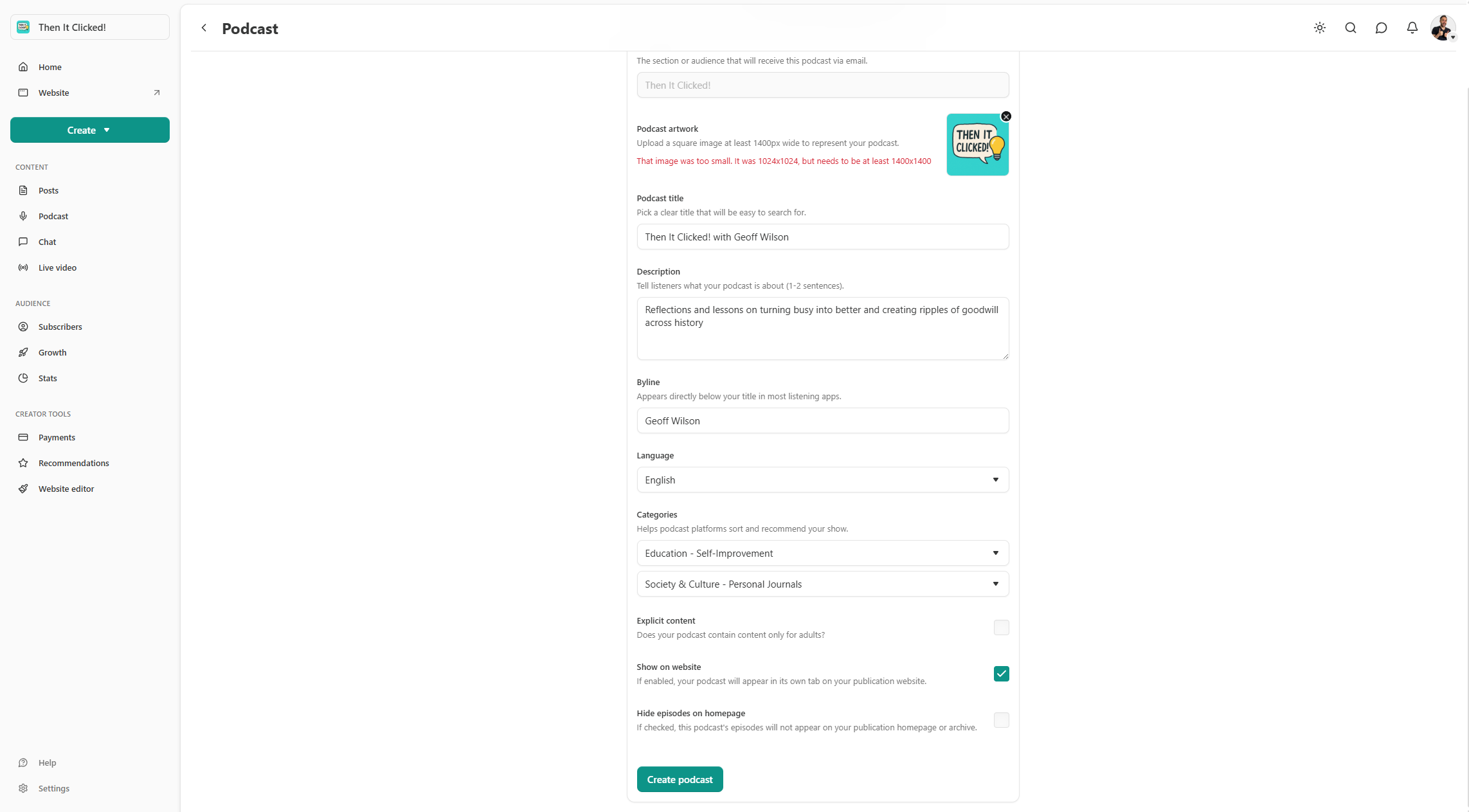
Much to my honest surprise, Substack gives you options to actually make your ‘podcast’ (voice recording) into a ‘real’ podcast with an actual RSS feed found in your lisenter’s preferred podcast apps (e.g. Apple, Spotify, etc) → see below
…I don’t want to personally do this yet though because I’d want to think more about creating the RSS hosting feed through Substack versus a third-party like Spreaker (which I’m already paying for to host my Everyday Experiences podcast which I could just co-opt into whatever new thing I want to share).